
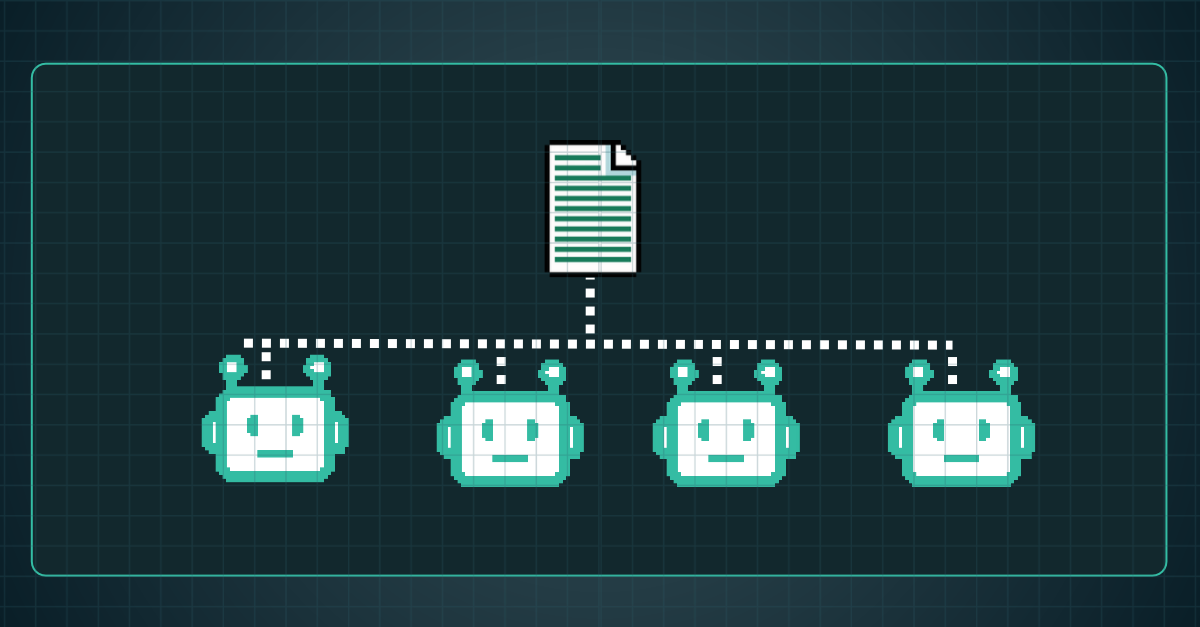

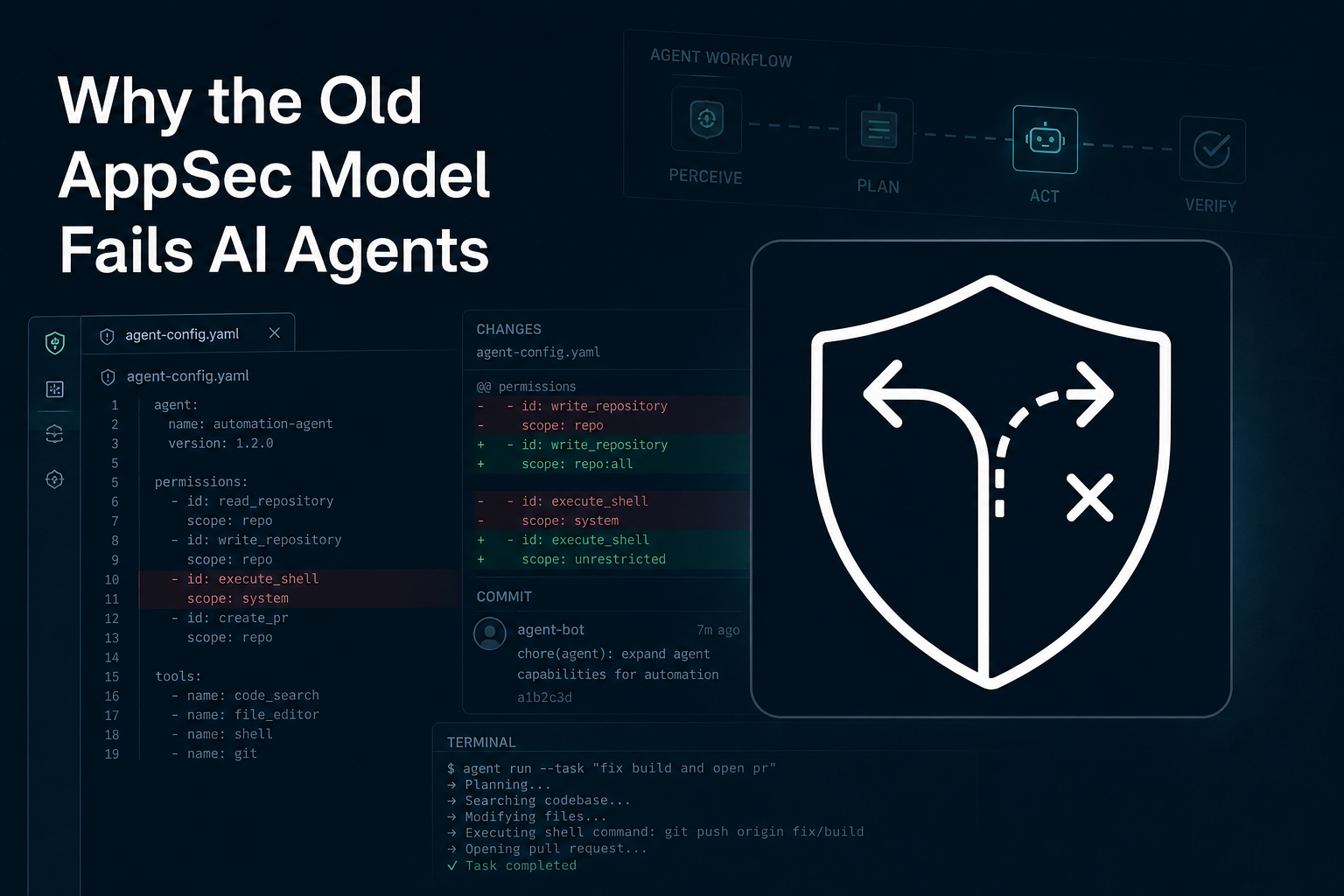
Your SDLC now runs inside coding agents. Markdown is the only thing they all read.
TL;DR: A markdown instructions file (AGENTS.md), rendered into each agent's native rules file, is the only control that reaches every coding agent on developer workstations and in cloud sandboxes. In Arnica's benchmark, Arnica's agentic rules cut wrong security decisions in new code from 47% to 17% across all test apps, and from 35% to 2% on the production-style apps the rules were tuned on. Rules do not reach zero, so scanning still matters. Hooks, skills and vendor admin consoles each cover part of the problem and each stops somewhere. What takes real effort is keeping that file in every repository, for every agent, as the agents keep changing.
The SDLC Moved and Took the Controls With It
The old pipeline had places to stand - a developer wrote code in an IDE, opened a pull request, CI ran tests, someone reviewed, and the merge happened. AppSec tooling grew up around those steps because every one of them was a place a control could sit.
Now Claude Code writes the feature on a laptop and runs the tests itself. Codex picks up a ticket in a cloud sandbox nobody is watching. Copilot's cloud agent opens its own pull request, and Cursor runs in the IDE and in VMs of its own. Writing, testing and validating happen inside one session. The old control points still exist.
The work no longer passes through them.
Nor is it just one agent. Across Arnica's customer base, 75% of enterprises and 54% of midsize companies use three or more AI coding tools. Each tool has its own configuration model, its own idea of what a rule is, and a different split between what runs on the workstation and what runs in the cloud. Every team wires its own workflow on top.
So you have a set of rules, and you want every agent to follow them. Where do you put the rules so that Claude Code on a laptop, Codex in the cloud, Copilot in a GitHub Action and Cursor in a VM all see the same thing? The obvious answer is AGENTS.md, and it's mostly the right one. The reasons matter, though, and so do the alternatives, because teams keep reaching for them.
A Markdown Instruction File Is the One Thing Every Coding Agent Reads
Every coding agent reads a markdown instruction file from the repo before it starts work. The filename is where they differ. Codex, Copilot, Cursor, Devin, Gemini CLI, Muse Code and Grok Build read AGENTS.md, which is now a Linux Foundation standard under the Agentic AI Foundation. Claude Code reads CLAUDE.md, and since version 2.1.277 in September falls back to AGENTS.md when no CLAUDE.md is present. Copilot and Cursor also keep their own native files alongside it.
Whatever the filename, the mechanism is the same. The agent loads the file into context when the session starts and keeps it there for every turn. The file lives in the repo, so a cloud agent that clones the repo gets the file with it.
There is data behind it. In Arnica's benchmark, six models from five vendors, running in four agent tools, ran hundreds of headless sessions against ordinary feature tickets that said nothing about security. Across all test applications, they got 47% of the security decisions in new code wrong. With Arnica's agentic rules in place, that dropped to 17%. On the production-style applications, which are working multi-tenant apps built to mirror the patterns most often missed in customer codebases, and which the rules were tuned on, the drop was 35% to 2%. On open-source apps the rules were never tuned on, it was 58% to 32%.
The catch is delivery. Each agent reads its own native file first, so one policy becomes several files per repository, and a rule in Cursor's file does nothing for Codex in a cloud sandbox. Keeping those files consistent across every repository you own is the part teams underestimate.
Hooks Block or Add a Note. They Don't Write the Code.
A hook is a small script the agent runs at a fixed moment, such as before it executes a command or when a developer submits a prompt. It can say yes or no, and on most agents it can append a note that the model sees alongside the prompt. What it can't do is change what the developer asked for or write the code.
Every major agent supports them now, and you can use them for the flat refusals: a pasted secret, a curl | sh, a force push.
Three things keep hooks from being the whole program. Each agent has its own format and its own trust prompt, so one policy becomes four scripts that developers have to approve on their own machines. Cloud agents mostly don't run them: Codex cloud runs none, Copilot's cloud agent only those committed in the repo, Cursor's those in the repo plus managed team hooks on the Enterprise plan, and Claude Code's only in single-repo sessions. And they fail open by default, so a missing script means the action goes through.
Skills and Plugins Load When the Model Decides
Skills are folders of instructions the agent pulls in when it decides a task matches. Plugins package skills, hooks and MCP servers so you can install them in one step. Both are right for workflows the agent only needs sometimes: how to run the test suite, how to cut a release, how this team writes a migration.
That is also why they're wrong for rules that must always apply, such as in security. The main markdown file is loaded on every turn. A skill is loaded when the model judges it relevant, which means whether your security rule is in context depends on whether this prompt looked like a security prompt to the model. You don't want a tenant isolation rule riding on that judgment, because the skill may simply not load.
Distribution is per vendor too, though .agents/skills is converging as a shared path that Claude Code, Codex, Cursor and Muse Code all scan. A plugin's bundled hooks still need their own trust review in Codex.
What Each Vendor's Admin Console Covers
Each vendor with an enterprise plan now lets your administrators push settings that developers can't turn off. This is the only way to guarantee a rule applies on every machine, and on Claude Code and Cursor it reaches the cloud agents too.
The limits are practical. An admin console pushes one setting to everyone, but engineering teams don't work the same way. One team lives in Cursor, another runs Codex in the cloud, a third is on Claude Code, and each has its own stack, its own workflow, and its own rules that need to differ. With three or more agents in most companies, a single org-wide policy per vendor is either too strict for some teams or too loose for others, and there is no way to vary it by team or by repository.
Coverage is uneven as well. Each vendor has its own console, so with four agents you run four policies that can't see each other, usually owned by four different people. Codex's admin policy can lock down what the agent may run but has no way to carry instructions, Copilot's carries instructions but can't block other hooks, and Devin, Muse Code and Grok Build have no admin layer at all.
Think of this as the strongest control each vendor offers, and the least portable. It belongs in the program, but it can't be the thing that holds the policy for all products developed in the company.
Put the Four Layers Side by Side
That was a lot of detail, so here is the point of it in one table. The question in every cell is the same: can you use this layer to make the agent write secure code by default, in this place? "Place" means a developer's laptop, the vendor's cloud, or one team's repositories. "Yes" means the layer carries your security rules there and the agent applies them. "Partial" means it works on some plans or session types, or with a gap the previous sections described.
The markdown file is the only layer that is present in every cell. That is the whole argument for making it the place where the policy lives. The next question is whether the file that reaches everywhere also stays correct everywhere, and that is where it gets hard.
Why the Rules File Is Closer to Enforcement Than a Hook
Anthropic's documentation says Claude treats CLAUDE.md as context, not enforced configuration, and that if you want to block an action regardless of what the model decides, you use a hook. That is accurate about the mechanism. A hook blocks and a file instructs.
The file is still closer to enforcement, because of when it acts and what it has been shown to do. By the time a hook runs, the model has already chosen what to do, and by the time a scanner runs, the code exists. The file is read before both, so it changes what gets written in the first place. It is also the only layer with a measured effect on the code itself. Nobody has published a comparable number for hooks, and there is no reason to expect one, since a hook either rules on an action the model already picked or appends a note to the prompt, and the note is just more instruction text, which is the markdown file's job.
To get this point home - across all test apps in the benchmark, agents got 47% of security decisions wrong with no rules and 17% with Arnica's agentic rules in place. On the production-style apps the rules were tuned on, it was 35% and 2%. Same models, same tickets. None of the six model and tool pairings reached zero, which is why the rules file works alongside scanning, not instead of it.
Where the Work Actually Is
Use the markdown, and budget most of the effort for delivery. In practice that means four jobs:
- Render one policy into each agent's native file and deliver it to every repository through the source control connection, so there is nothing to install on a laptop or bake into a cloud image.
- Catch new repositories automatically, so a repo created on Tuesday has the rules on Tuesday.
- Detect drift, when a file is edited, deleted or overwritten, and bring it back with a change the owner can see.
- Benchmark and revise at least quarterly, by running the sessions again and grading the output.
The fourth job gets skipped most often. The harnesses change and so do the models.
How Arnica Keeps the Rules Everywhere
Arnica's Agentic Rules Enforcer renders one security policy into each agent's native file, delivers it to every repository through the SCM connection with no per-developer setup, catches new repositories as they appear, repairs drift, and benchmarks the rules against the agents as they evolve. The benchmark results above came from that loop.
The rules file governs what the agent writes. Arnica's scanning on every code push covers what the agent wrote anyway. Prevention happens at code generation, and detection and remediation of what still gets through, 17% of security decisions in the benchmark even with rules, happens on every code push.
Final Thoughts
None of this is an argument against flexibility per agent. Use the hooks, skills and admin controls your tools offer. Consistency, though, has to live in the one layer every agent shares, and the benchmark says that layer works.
The agentic SDLC will keep changing shape, and every time it does, the control has to find a new place to attach before the risk gets there first.
The next shift may be teams dropping human code review entirely. There is no PR, and the agent commits and pushes. Every control that lives at PR time, including the newest AI reviewers, has nothing to attach to.
Enforcement then has to happen in two places: as the agent writes, through the rules file it reads every turn, and on every push, where the code lands regardless of who or what wrote it. When the pull request goes away, the rules file's own change control and drift repair move to push time as well, so one control point covers both the code and the policy.
That is where Arnica already sits.
FAQ
What is AGENTS.md?
AGENTS.md is a plain markdown file at the root of a repository that tells AI coding agents how to work in that codebase. It is a vendor-neutral standard stewarded by the Agentic AI Foundation under the Linux Foundation. Agents load it into context when a session starts, so the rules in it apply before any code is written.
Does Claude Code read AGENTS.md?
Yes, with conditions. Since version 2.1.277, Claude Code falls back to AGENTS.md when a project has no CLAUDE.md. If both files exist, Claude Code follows CLAUDE.md and ignores AGENTS.md unless CLAUDE.md imports it. The fallback was not available on Amazon Bedrock, Google Vertex AI or Microsoft Foundry at launch, so check your platform before relying on it.
What is the difference between AGENTS.md and CLAUDE.md?
AGENTS.md is a shared format that agents such as Codex, Cursor, GitHub Copilot, Gemini CLI and Devin read. CLAUDE.md is Claude Code’s native instructions file. For a team that uses several agents, a common setup is to keep the policy in AGENTS.md and add a one-line CLAUDE.md that imports it with @AGENTS.md, plus any Claude-specific rules.
Do security rules files change what coding agents write?
Yes, in Arnica’s benchmark. Six models from five vendors, running in four agent tools, got 47% of security decisions in new code wrong without rules and 17% with Arnica’s agentic rules. On the production-style apps the rules were tuned on, the drop was 35% to 2%. On open-source apps they were not tuned on, it was 58% to 32%. No model and tool pairing reached zero.
Why not enforce security rules with hooks alone?
Hooks are scripts an agent runs at fixed moments, and they can block an action or add a note, but they don’t shape the code the model writes. Each agent has its own hook format and trust prompt, so one policy becomes several scripts. Support in cloud agents varies by vendor and plan. For example, Copilot’s cloud agent reads hooks committed in the repo, and Cursor adds managed team hooks on its Enterprise plan. Hooks work best alongside a rules file, not in place of one.
Can skills enforce security rules?
No. A skill loads only when the model decides the task matches it, so whether a security rule is in context depends on how the prompt looks to the model. A rules file such as AGENTS.md is loaded at the start of every session. Use skills for workflows the agent needs sometimes, and put rules that must always apply in the main file.
How do you keep one rules file consistent across every repository and agent?
Treat it as a delivery problem. Render one policy into each agent’s native file and deliver it to every repository through your source control connection. Catch new repositories automatically, detect and repair drift when someone edits or deletes a file, and re-run your benchmark at least quarterly, because agents and models keep changing. Arnica’s Agentic Rules Enforcer automates these steps.
Will models learn secure coding on their own and make rules files unnecessary?
Generic practices such as output escaping will probably get trained in over time. Rules specific to your tenant model, authentication library and approved packages won’t, and those are the ones a rules file keeps earning its place on. Rules also don’t replace scanning, since 17% of security decisions were still wrong with rules in place in Arnica’s benchmark.
Reduce Risk and Accelerate Velocity
Integrate Arnica ChatOps with your development workflow to eliminate risks before they ever reach production.